
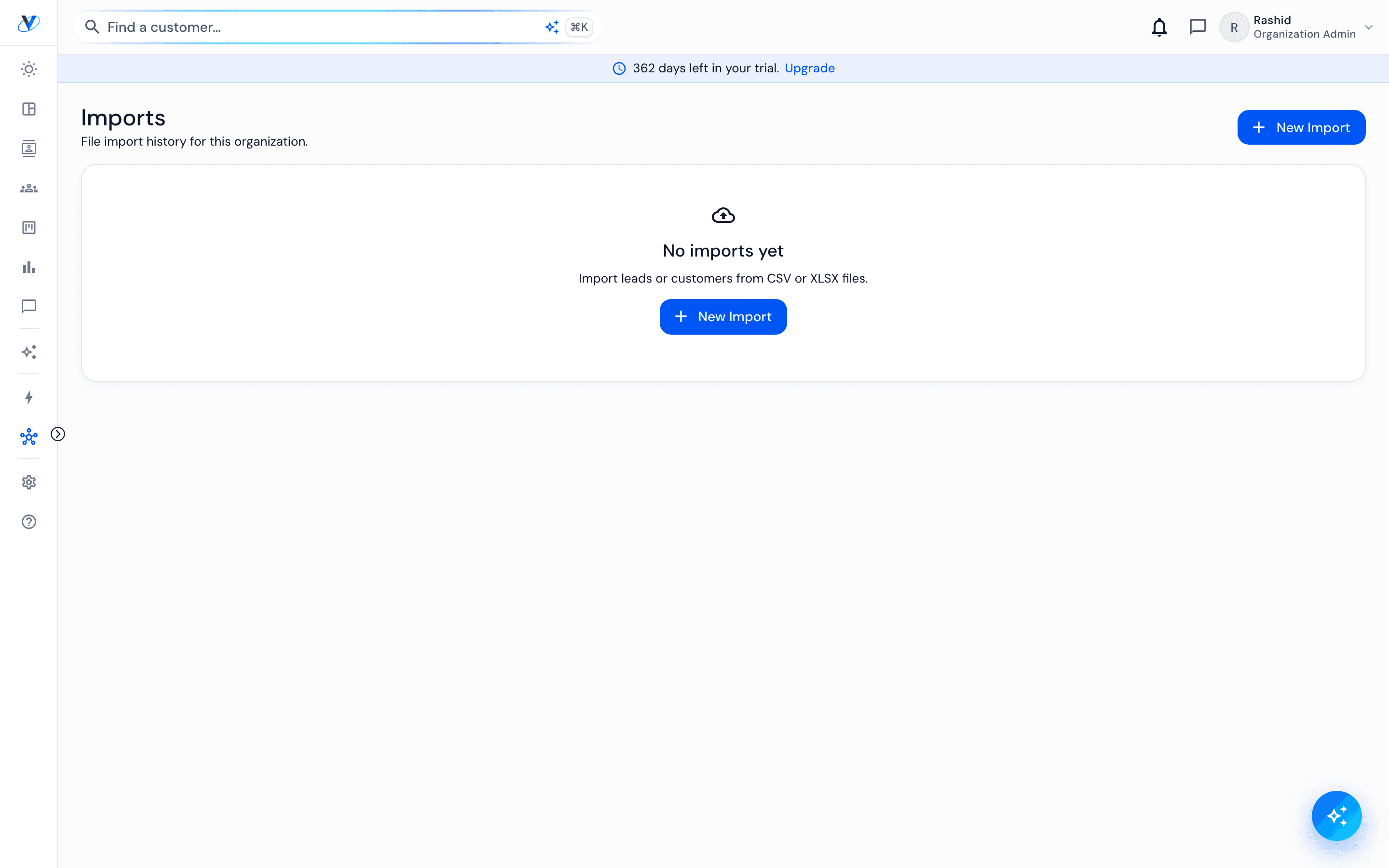
Imports
An import is the fastest way to lose confidence in a new system, so this one is deliberately cautious: it shows you what it understood before it writes anything, and it flags what looks damaged rather than storing it quietly.
How it works
- 01
Start with a small file
Fifty rows first. Fixing a mapping on fifty rows takes a minute; discovering the same mistake on five thousand takes an afternoon.
- 02
Map the columns
Match your headings to Vorniqe's fields. What is not mapped is not imported — there is no silent guessing.
- 03
Read the warnings
Phone numbers are the usual casualty. A spreadsheet turning a number into scientific notation is the classic case, and it is flagged rather than stored wrong.
- 04
Check a few rows by hand
Open three imported records and confirm they look like what you expected. That is a two-minute check that saves a month of doubt.
Worth knowing
Every batch is traceable. You can see which import a record came from long after the fact.
Import history, not stock. Cars belong in the vehicles screen where they get a VIN, a price and a state.