
Channels
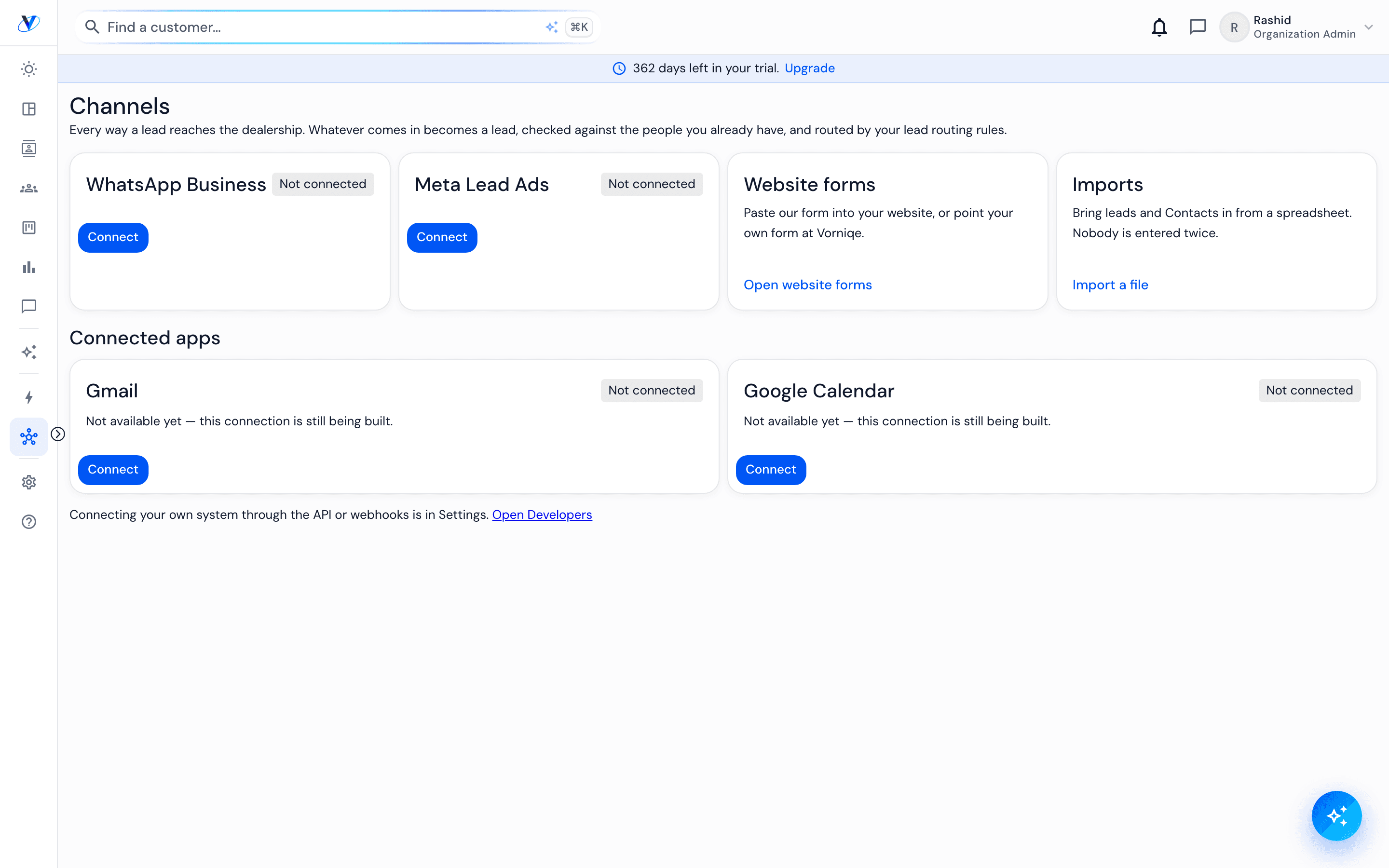
Channels bring the conversations and enquiries that already happen elsewhere (WhatsApp, Meta lead ads, your website's forms, imports) into the record, so a contact's history is not split between a CRM and somebody's phone. Channels sits in the sidebar under Operations.
How it works
- 01
Connect a channel
Each connection is scoped to your dealership and to the permissions you grant. Nothing connects on your behalf.
- 02
Understand what arrives
Messages from a connected channel are recorded as conversations on the lead or contact they belong to. They open no enquiry on their own — a lead becomes one only when someone qualifies it.
- 03
Put a form on your website
Under Channels › Website forms, create a form and paste its snippet into your site. Choose a starter: General enquiry, Test drive request (adds a preferred day and time) or Get a quote (adds the customer's trade-in). Changing the starter later needs no new snippet. Every submission arrives as a lead, matched to anyone who already has an open one, and a ticked consent box is recorded on the contact.
- 04
Check who can see what
A connected channel inherits your dealership's permissions. Somebody who cannot see a contact does not see its messages either.
- 05
Disconnect cleanly
Removing a connection stops new activity arriving. What already arrived stays, because it is part of the history.
Worth knowing
Credentials are encrypted and handled on the server only. They are never exposed to the browser.
A channel that has not been connected is simply absent rather than shown as broken. Absent and broken should not look the same.