
Automations and broadcasts
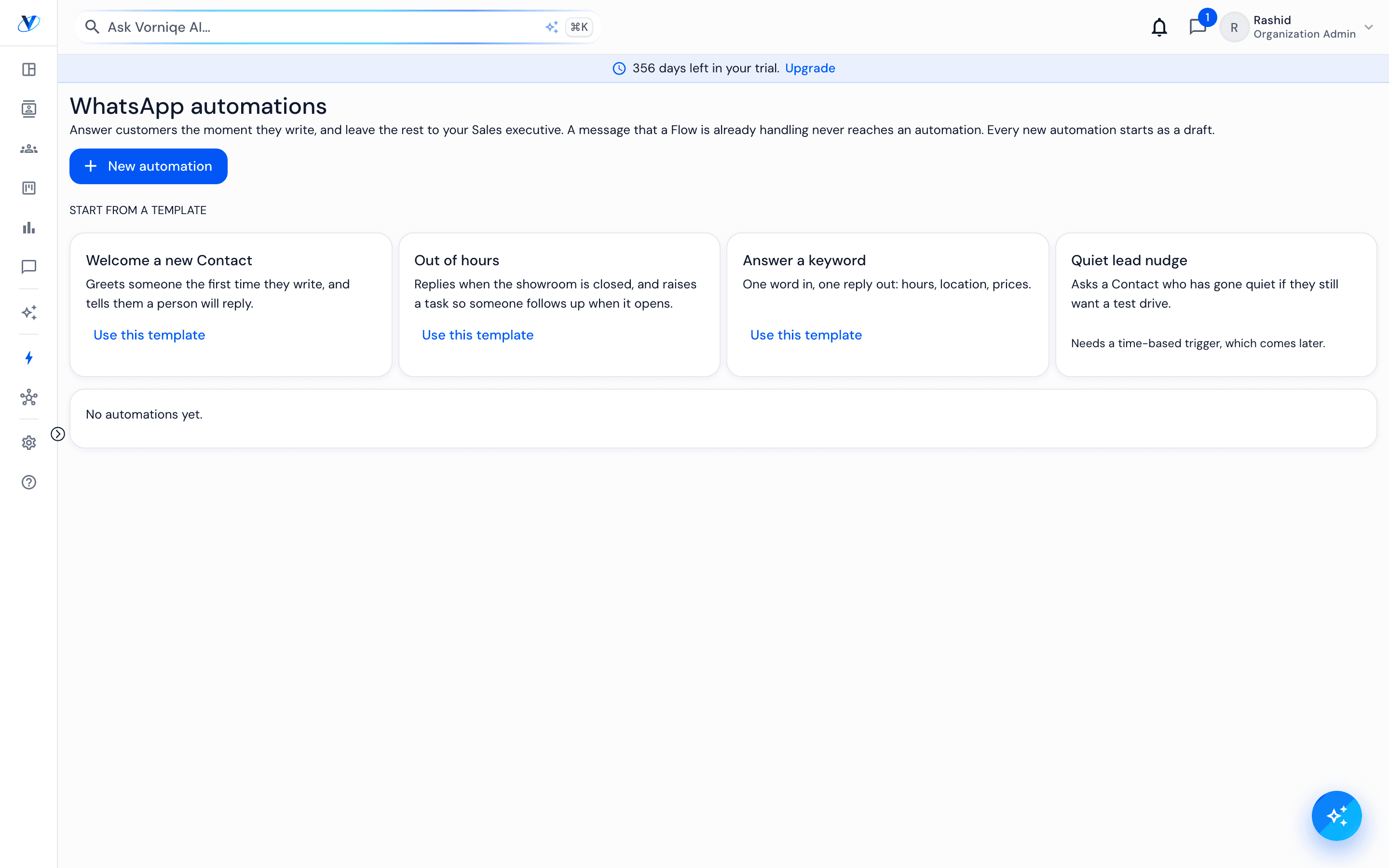
Automations answer common WhatsApp messages the moment they arrive and leave the rest to a sales executive. Broadcasts send one approved template to the Contacts who agreed to marketing messages. Both are under Automations in the sidebar.
How it works
- 01
Start from a template
Welcome a new Contact, Out of hours (replies when the showroom is closed and leaves a task for when it opens) or Answer a keyword (one word in, one reply out, such as hours or location). Every new automation starts as a draft.
- 02
Switch it on
A draft does nothing. An automation runs only once you switch it on, and you can switch it off again at any time.
- 03
Keep templates approved
Messages outside the 24-hour window, and every broadcast, use templates WhatsApp has approved. They come from your WhatsApp account, under Automations › Templates.
- 04
Send a broadcast
Under Automations › Broadcasts, choose one approved marketing template. It goes to every Contact who agreed to marketing messages, a few at a time within the number's daily limit, and pauses itself if the number's quality drops or too many messages fail.
- 05
Respect consent
Agreement is recorded on the Contact's profile, from a website form's consent box, or when someone sends "subscribe". Sending "stop" removes them at once.
Worth knowing
Broadcasts are for managers and admins.
A broadcast reaches only people who agreed. Nobody else receives it, however the list was built.